




RECOMMENDED BY INFLUENCERS
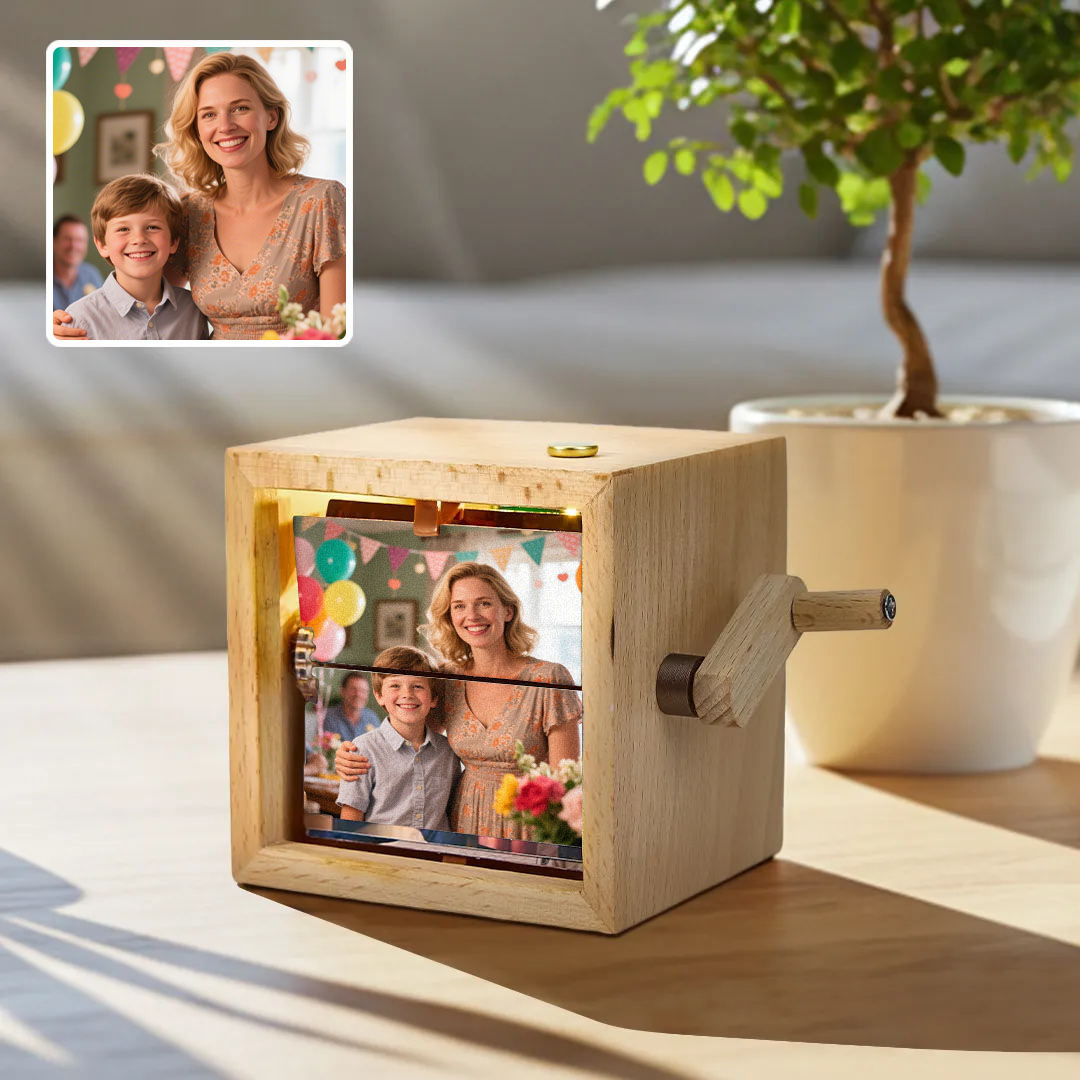
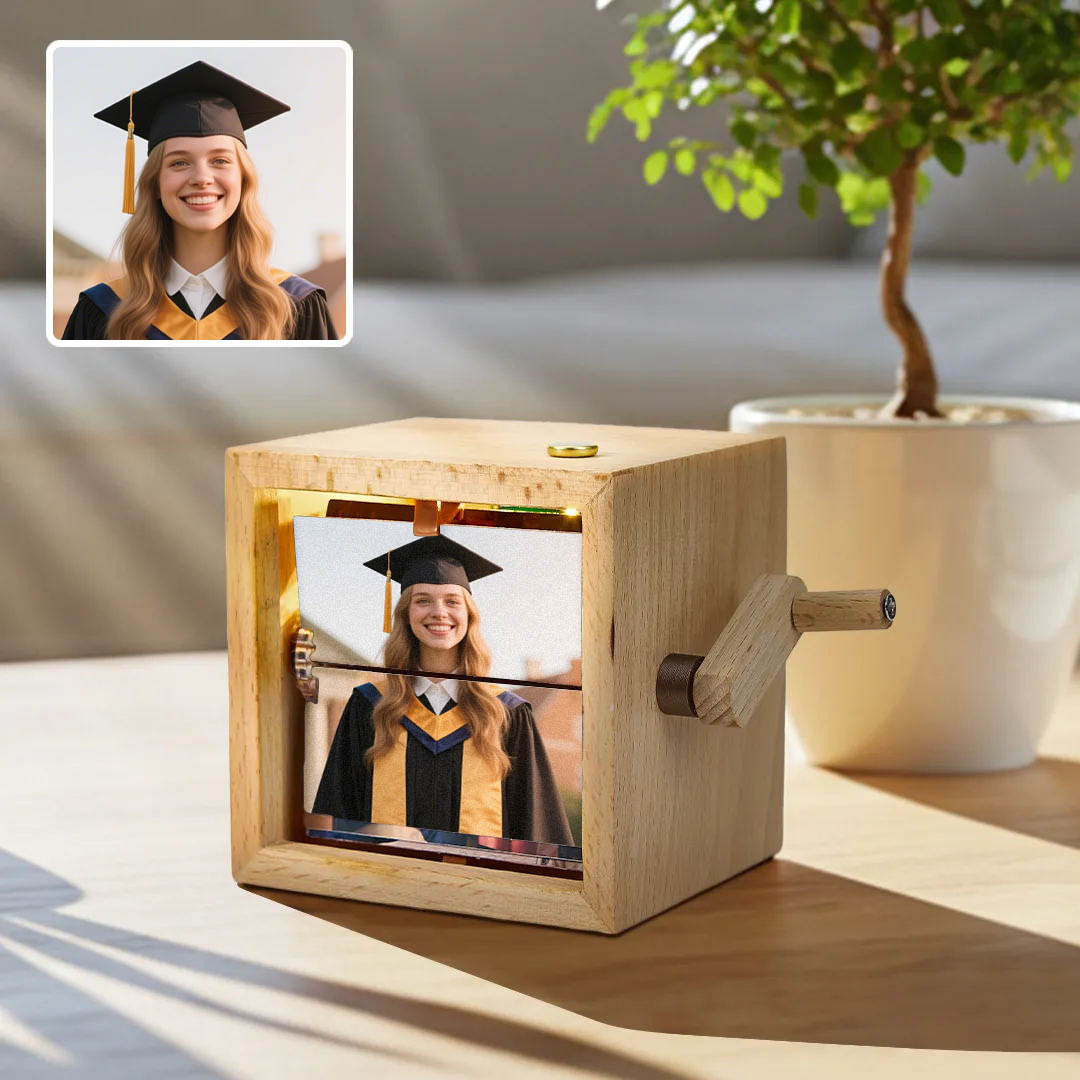
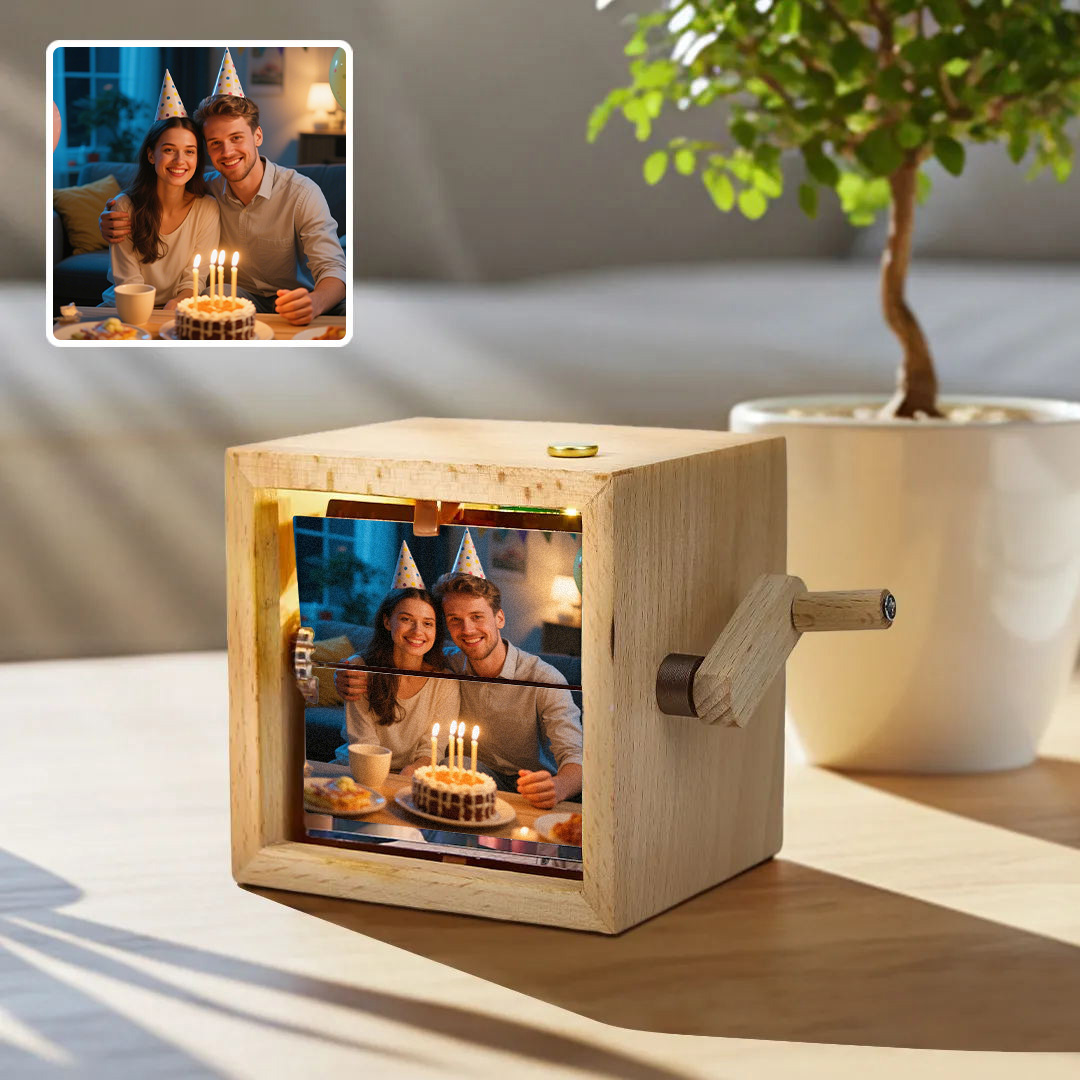
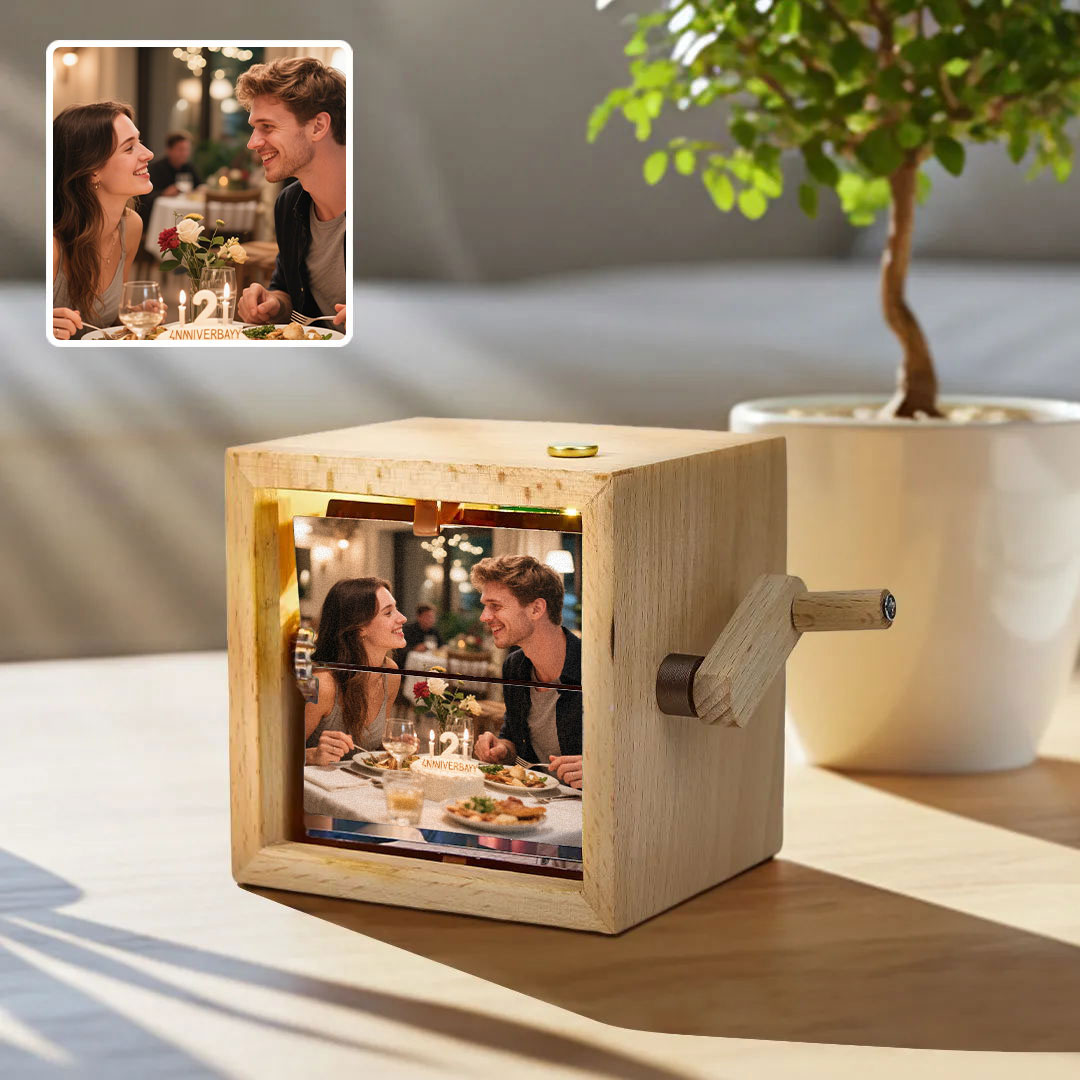
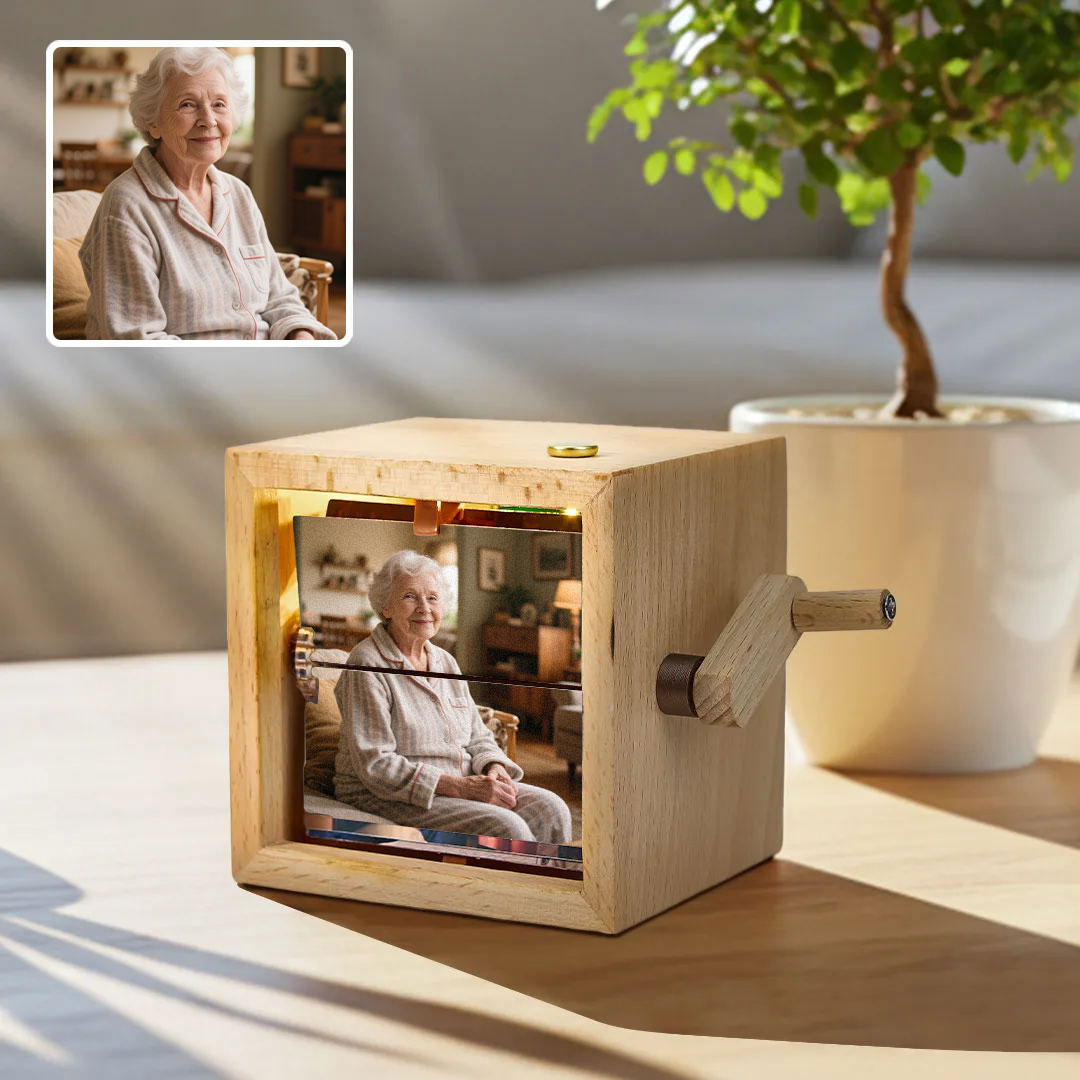
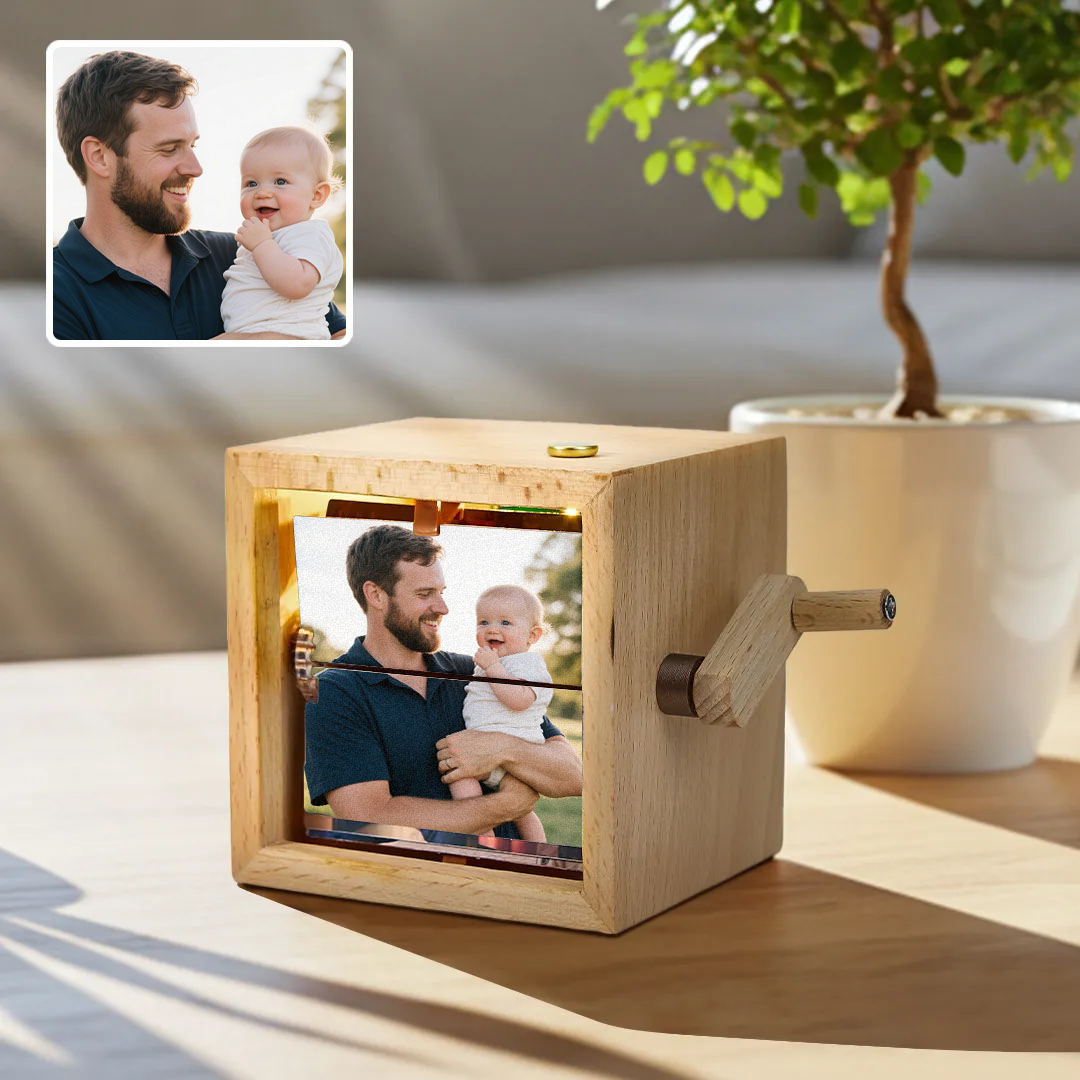
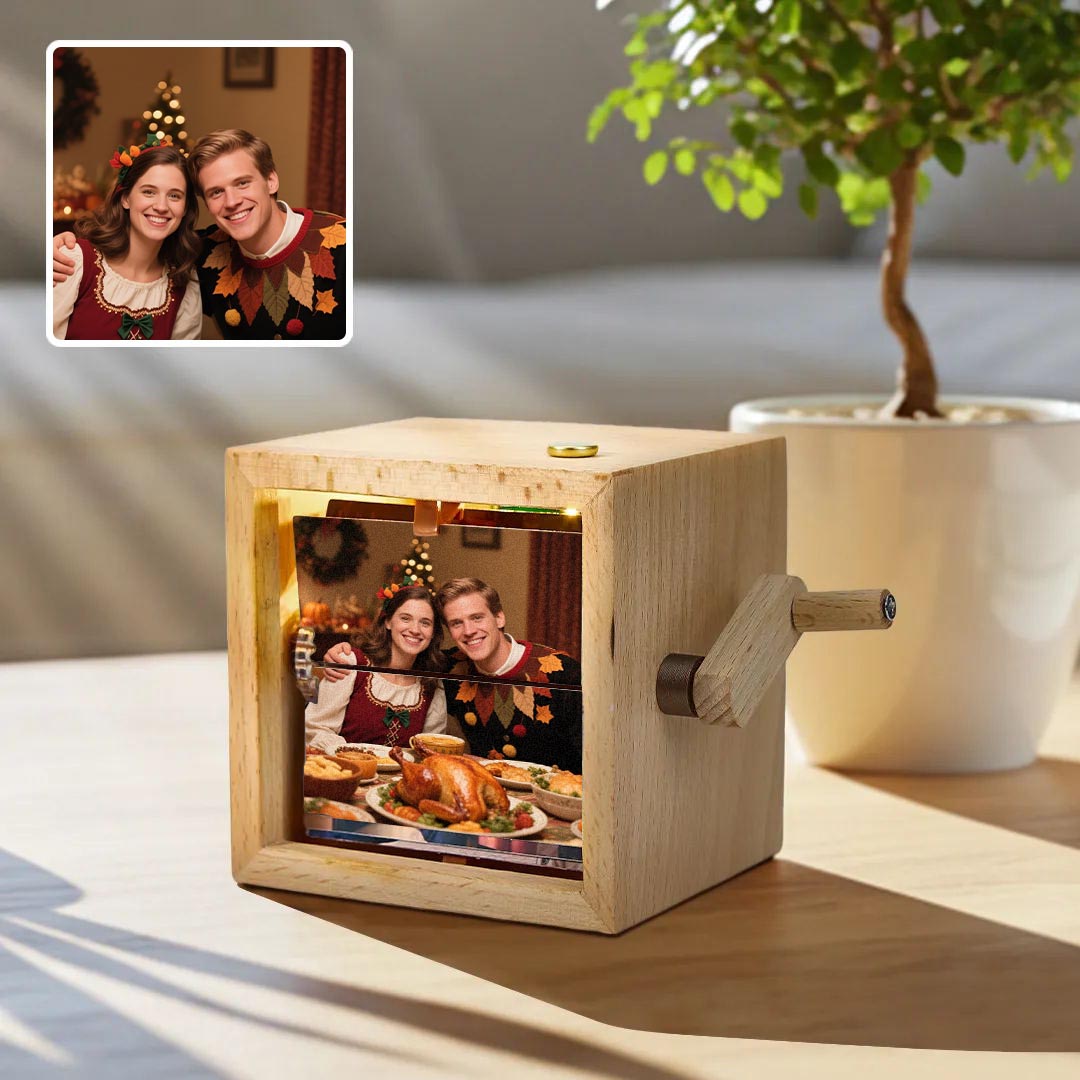
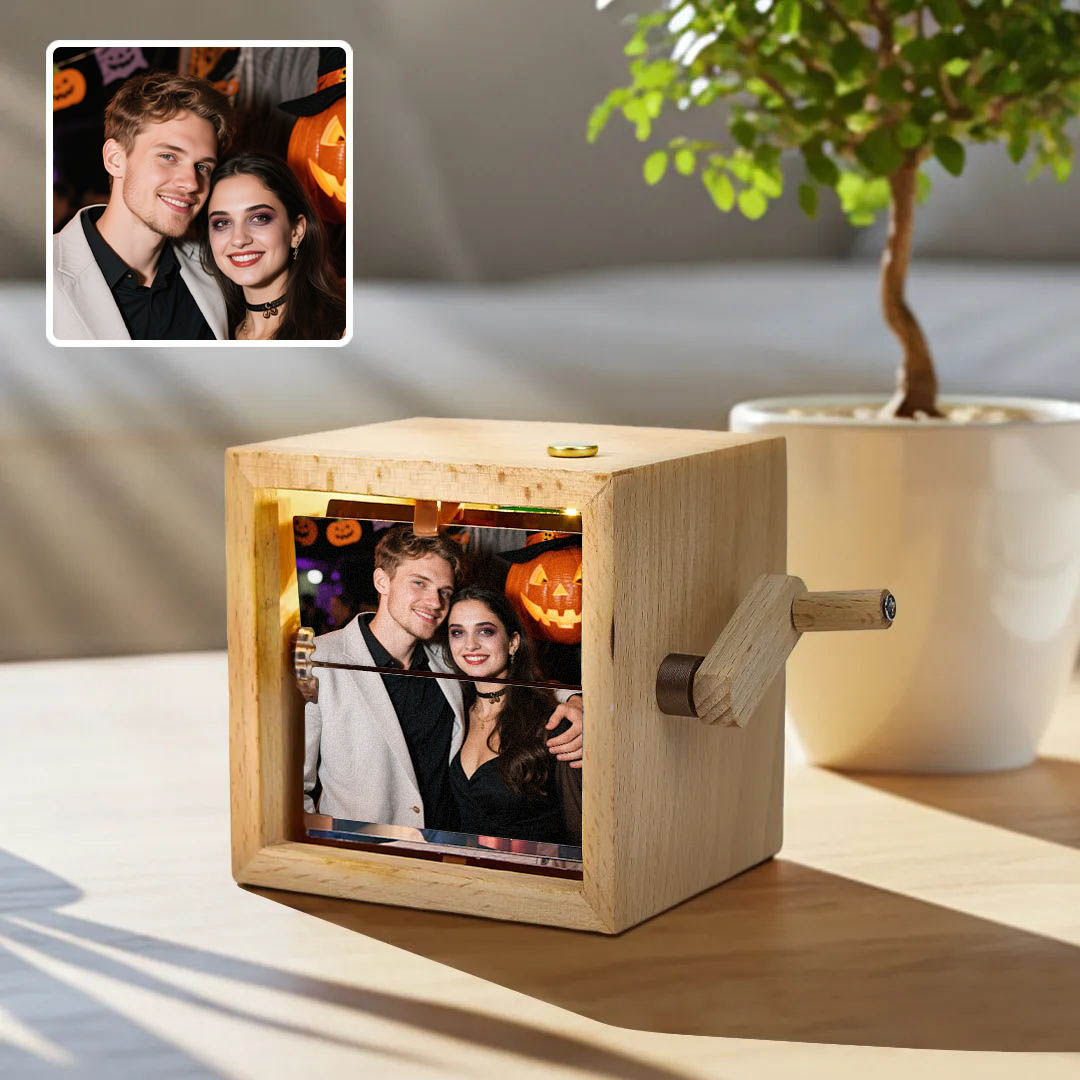
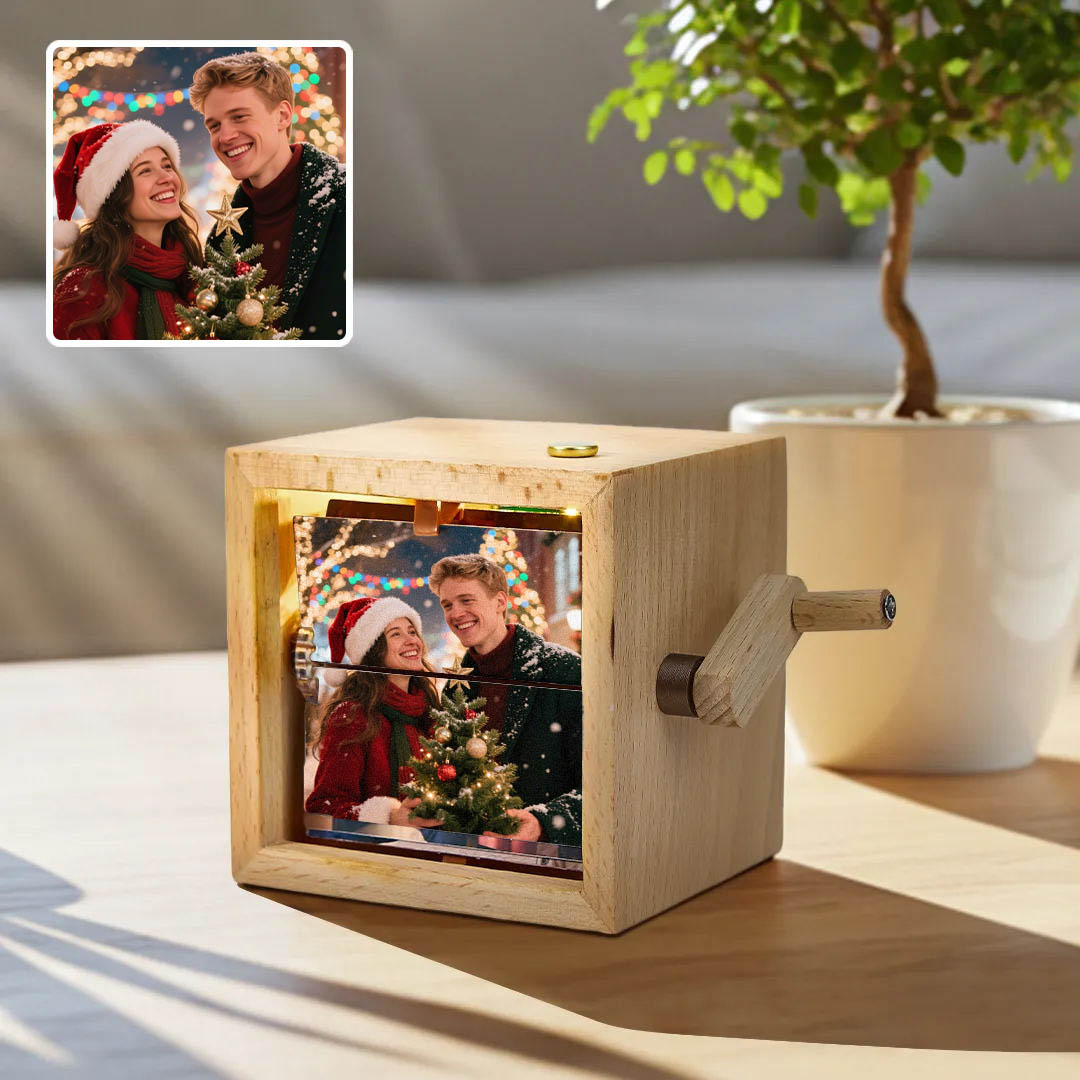
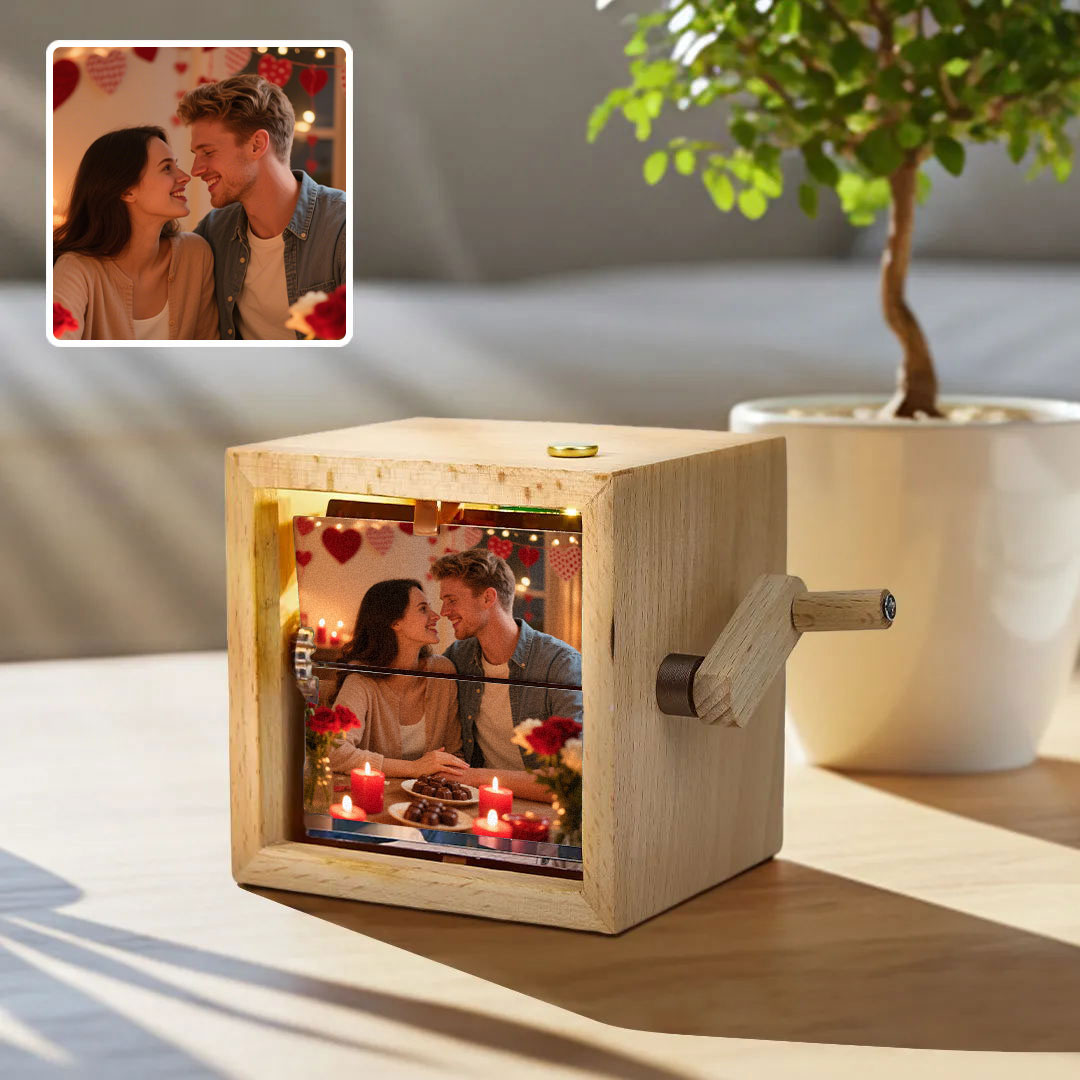
Make it your own with your favorite pictures.
#PIXBOX
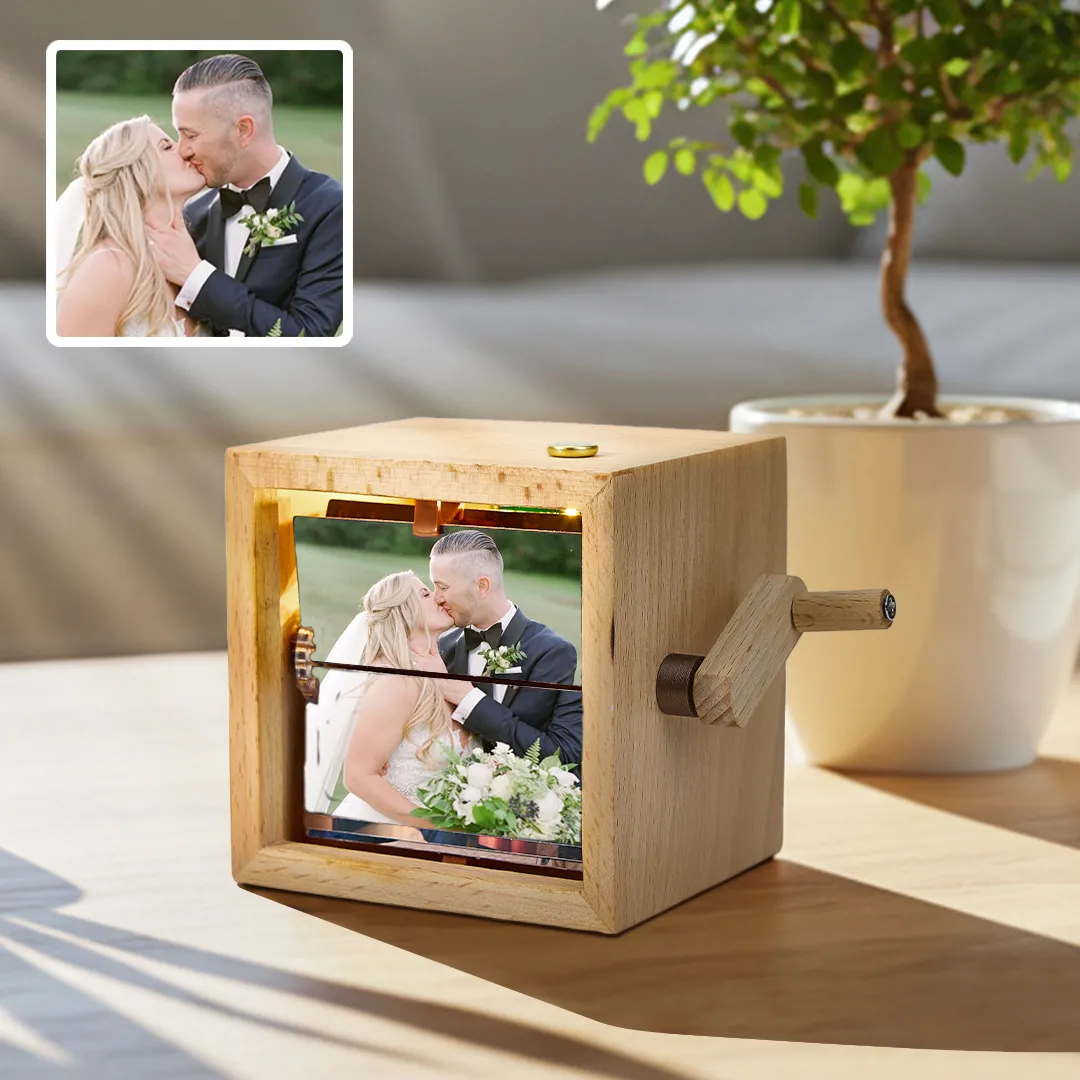
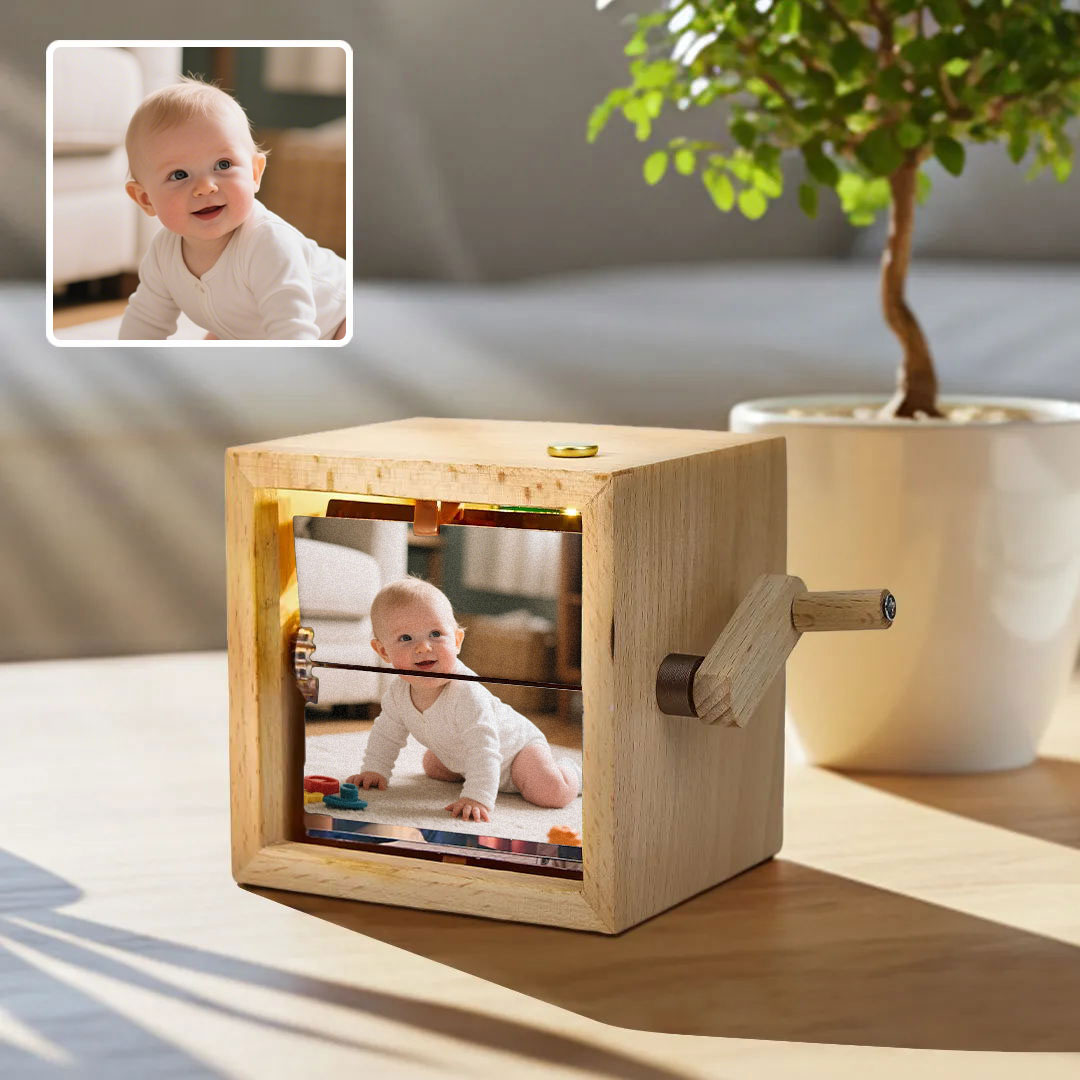
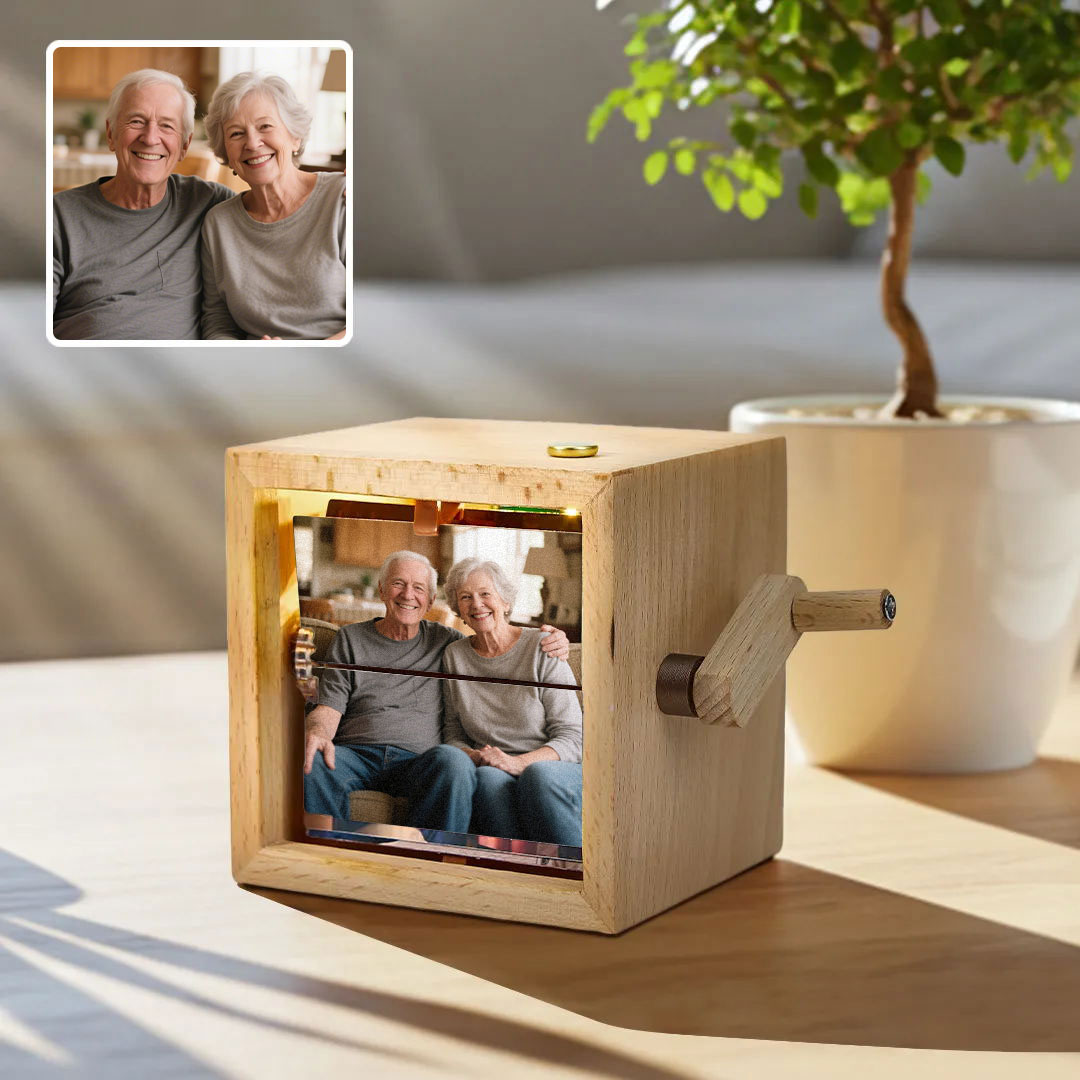
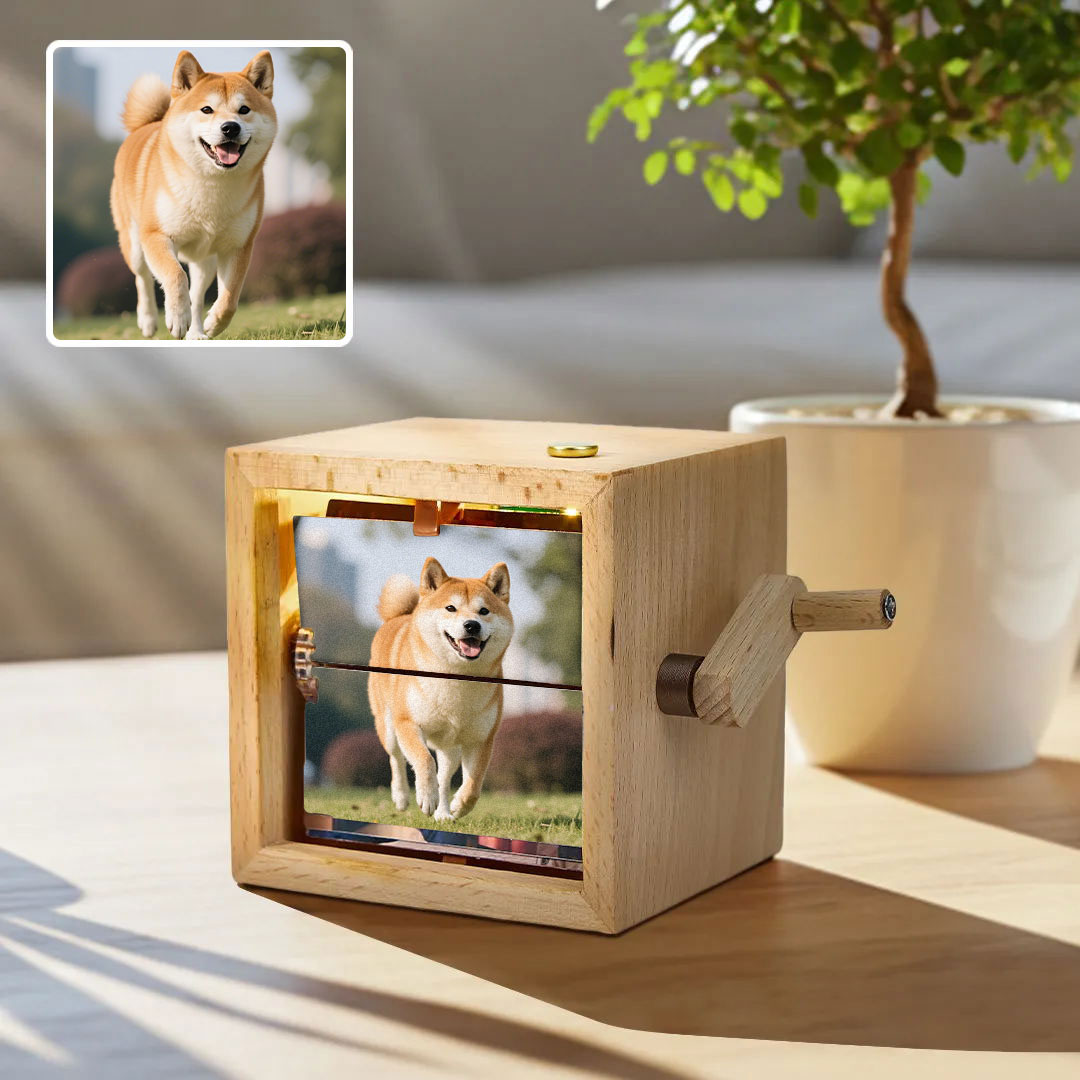
Get a personalized Hand-Crank Flipbook Box with YOUR favorite photos.
#PIXBOX
A Nostalgic and Creative Gift!
#PIXBOX
A Fun and Unique Way to Tell Stories!
#PIXBOX
Create Your Own Mini Movies with This Hand-Crank Flipbook Box
#PIXBOX

INFLUENCER RECRUITMENT POLICY

  • #1

    Qualifications

    You have at least 10,000 followers with one of your social networking accounts(mainly Tiktok and other social meidia eg: Facebook,Instagram,Youtube,Twitter and so on)
  • #2

    Share your thoughts on our Hand-Crank Flipbook Box through your social networks and encourage your follower to comment.

    You should take video for our product within 14 days after you receive the items, and publish them to your tiktok, facebook, instagram and youtube,etc. Please attach the the link of the product page or home page we offer.
  • #3

    Please send us an email once you publish your video.

  • #4

    PIXBOX reserves the right to use the information of your post.

    We will collect photos of your post and related comments. At times, we may use the content. E.g, we may put it on facebook or use your photos on our website.
  • #5

    Contact soufeeltt2025@126.com for social media collaboration service

  • Benefits

  • #1

    The videos we promoted have received 3 million views during on the Tiktok channel, and have brought a lot of attention and fans to relevant Influencer.

  • #2

    We offer 15% commission rate, plus free sample every holiday season if you still want to promote.

  • #3

    We will promote your video ourselves and attach the source of your video link to bring you huge traffic and fans.

  • Video shooting requirements

  • #1

    The length of the video needs to be about 60 seconds and not less than 50 seconds, unless we specifically request it.

  • #2

    Demonstrate the process of assembling the product

  • #3

    After product show, the original reference picture needs to be displayed against the finished product.

  • #4

    Display the overall product scene diagram